

eSIM can only be registered when connected to Wi-Fi or mobile data.
Please make sure you are connected to the internet.
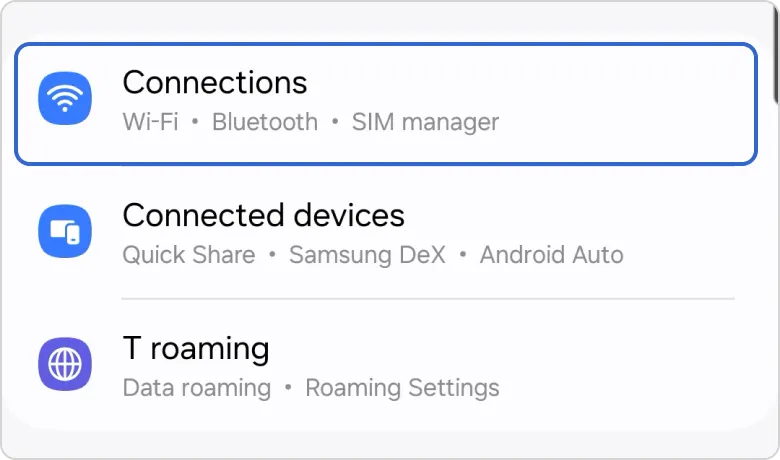
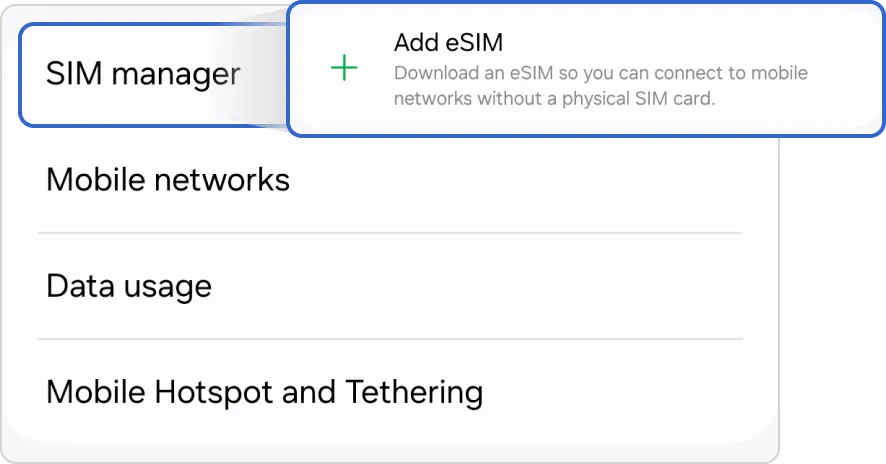
1. Go to Settings → Connections → SIM manager → Tap ‘Add eSIM’
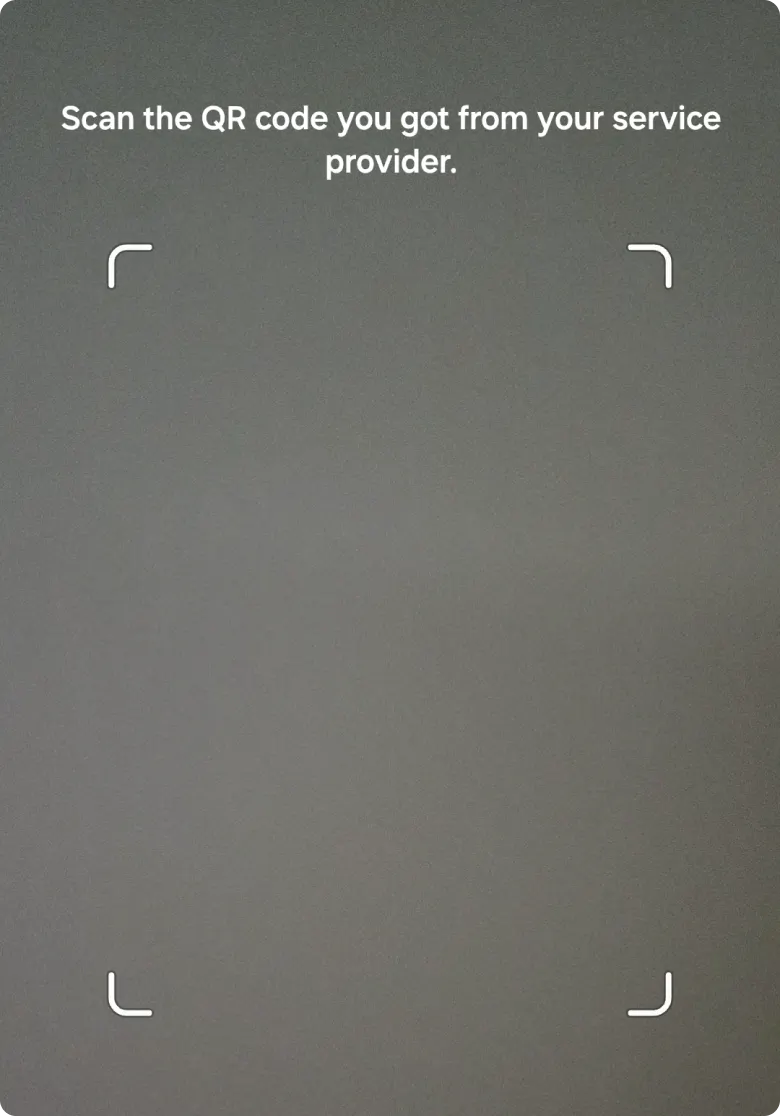
2. Please scan the ‘QR code’ to proceed with the installation.
3. Please proceed with adding the eSIM.
If you are adding the eSIM before entering Korea, please turn off the activated line after adding it.